
公開ニュース
Dell's New XPS 13 Tries to Make Premium Windows Cheaper, but the Base RAM Is the Real Story
July 12, 2026
What Changed
Dell has reintroduced the XPS 13 with a new lower entry point: $599 for eligible students during the back-to-school period and $699 for regular buyers. The system keeps several features that are often pushed higher in the range, including a 2.5K touch display, backlit keyboard, Windows Hello support, quad speakers, and Wi-Fi 7.
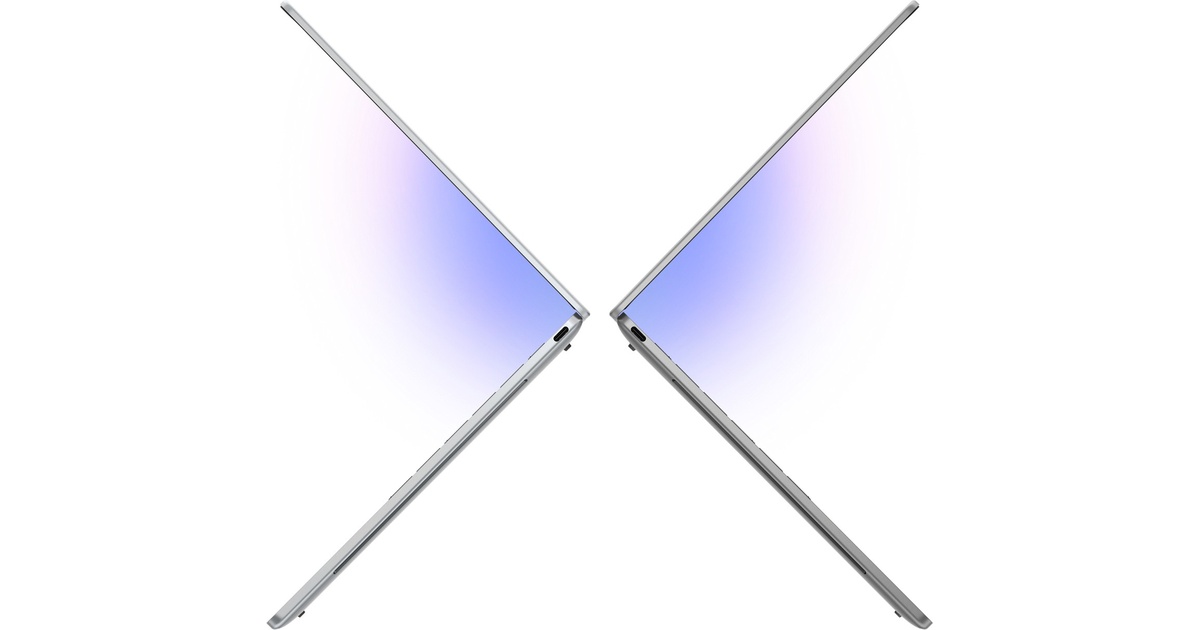
The chassis is also a clear part of the pitch. Dell says this is the thinnest and lightest XPS yet at 12.7 mm and 1 kg. In direct positioning, Dell compares it with Apple's low-cost MacBook Neo and says the XPS 13 is smaller and about half a pound lighter while still offering a larger display.
There is a catch in the first shipping configuration. The entry model uses a six-core Intel Core 5 320 chip with 512GB of storage and 8GB of RAM. Higher-end versions with Intel Core Ultra Series 3 processors, up to 32GB of memory, and up to 1TB of storage are planned for later.
Why It Matters
The real news is not that Dell made another thin laptop. The real news is that XPS is no longer only a premium-price badge. Dell is trying to put the XPS look and feel into a lower tier where students and first-job buyers usually end up choosing between plain budget Windows machines and Apple's cheapest MacBook.
That comparison is useful because Dell is not competing on price alone. At the same student promo price, the XPS 13 offers a sharper touch display, a backlit keyboard, and Wi-Fi 7. At the same time, the trade-off is obvious: 8GB of RAM on a Windows 11 laptop in 2026 could become a limit faster than the metal chassis or the screen will.
Independent early coverage also points to the same split. The machine looks strong on weight, build quality, and display quality, but limited ports, entry-level graphics, and delayed higher-end configurations keep it from being an easy win.
Practical Takeaway
This model matters most for buyers who want a very light Windows laptop and care about display quality more than raw speed. Students, office users, and frequent travelers are the best fit if they mostly live in the browser, documents, calls, and light photo work.
Buyers who keep many apps open, plan to use local AI tools, or want a machine that will age more comfortably should be careful with the cheapest version and wait for the higher-memory trims. The new XPS 13 is a smarter move than a simple price cut, but the value story only fully works if the better configurations arrive close enough to the base tier.
Editorial process: Prepared from official source materials and edited under Notebook Center publishing standards.